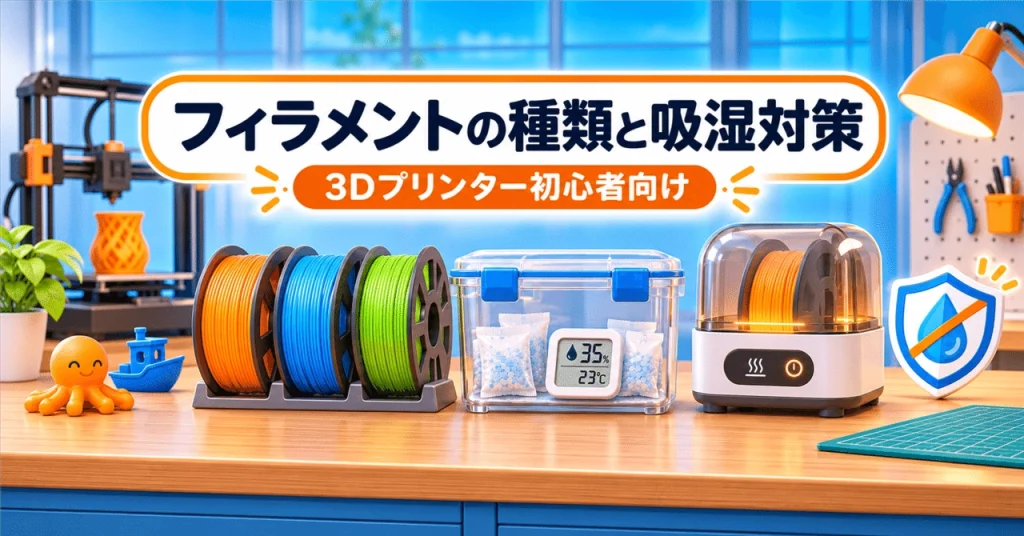
When print quality starts to decline, filament moisture may be one possible cause. Filament can absorb moisture from the air during storage or use, leading to symptoms such as crackling or popping sounds at the nozzle, increased stringing, bubbles or bumps on prints, and weaker layer adhesion.
These signs don’t prove that moisture is the problem: stringing, for example, can also result from nozzle temperature or retraction settings. But if filament has been stored for a long time or prints have changed despite using the same settings, its condition is worth checking.
Common filament types
- PLA is relatively easy to print and is a popular choice for figures, small objects, and prototypes. It tends to warp less, but it may not suit high-temperature applications and can become brittle during long-term storage.
- PETG is tougher than PLA and is often used for practical parts such as cases and holders. It can be prone to stringing and may adhere strongly to some build plates.
- TPU is flexible and rubber-like, making it useful for grips and protective covers. Its softness can make extrusion more difficult, and it often needs more careful drying and storage than PLA.
Printer compatibility and recommended settings vary by product, so check the filament manufacturer’s guidance. See Prusa’s filament dehumidification guide.
Store filament airtight
The basic way to prevent further moisture absorption is to put unused filament in an airtight container or securely sealed bag with desiccant. A container with a gasket and a small hygrometer can make it easier to monitor storage conditions.
Prusa’s dry-box guidelines suggest keeping relative humidity below 30% for PLA and below 20% for PETG and TPU—ideally below 15% for TPU. Manufacturer recommendations for the specific filament should take priority. Prusa’s dry-box humidity guidance
A dry container helps protect filament, but it does not necessarily dry out filament that has already absorbed moisture. Desiccants may be disposable or reusable; follow their instructions, especially before attempting to regenerate them.
Drying filament
If moisture absorption seems likely, a dedicated filament dryer may help. Some dryers also let you print while feeding filament directly from the unit. Use the temperature and duration recommended for the specific filament: higher temperatures are not always better and may cause filament strands to stick together or the spool to deform.
As examples for Prusament products, Prusa lists:
- PLA: 45°C for 6 hours
- PETG: 55°C for 6 hours
- TPU: 60°C for 4–6 hours
These are not universal settings. Check the instructions for your filament, spool, and dryer. Prusa’s filament-drying guide
After drying, return the filament to airtight storage to limit further exposure. Drying may improve print quality, but it cannot guarantee that degraded filament will be fully restored.
The practical starting point is simple: store filament with desiccant in an airtight container, and consider both printer settings and filament condition when print quality changes.