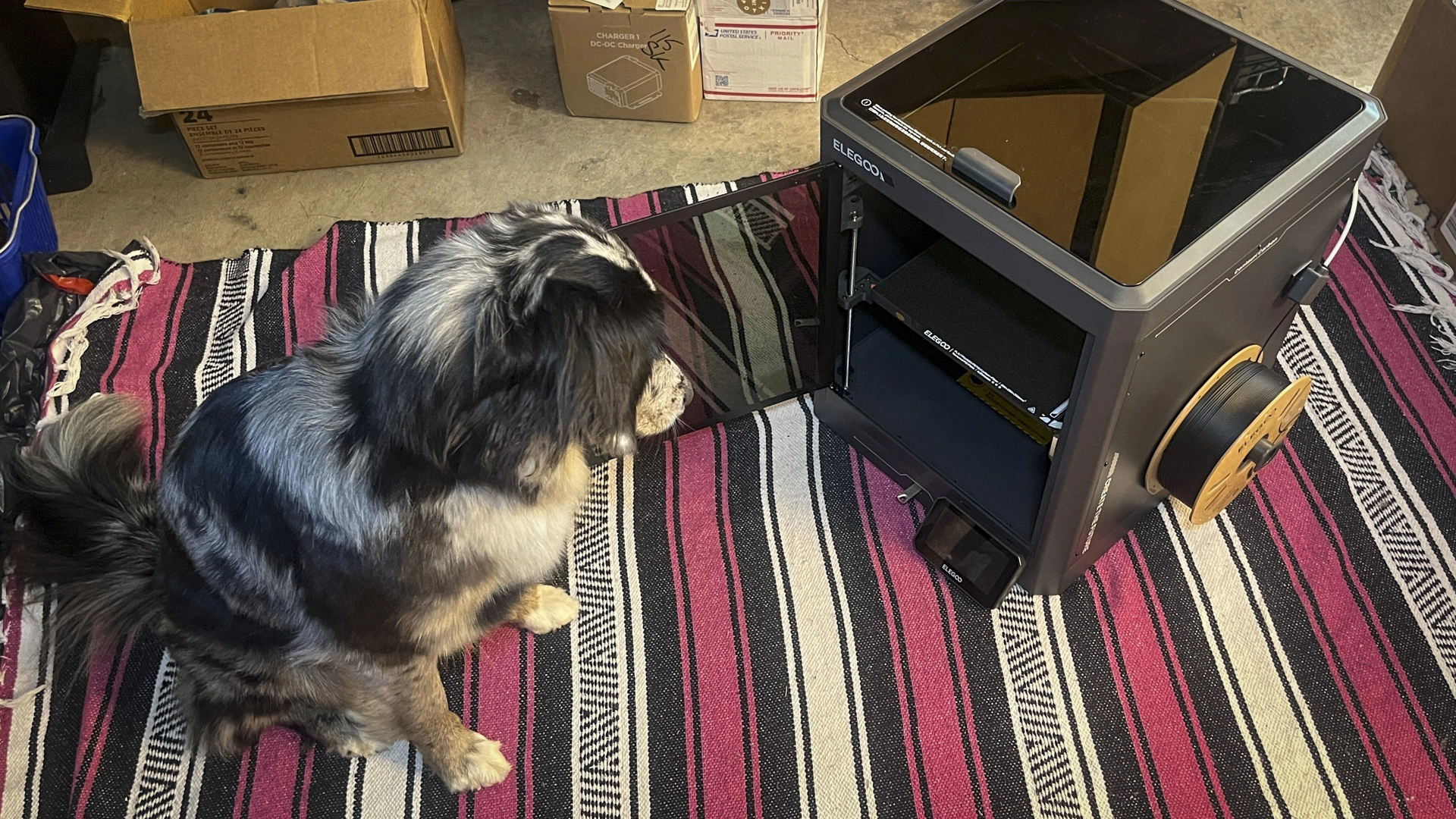
The Elegoo Centauri Carbon, a 3D printer priced at $300, has captured the attention of hobbyists and tinkerers alike. As someone who had never operated a 3D printer before, my journey began with a few hiccups, but I quickly managed to create my first car part after some YouTube tutorials and guidance from platforms like Reddit and ChatGPT.
3D printing has gained significant traction recently, becoming more accessible than ever. With affordable printers like the Centauri Carbon, and the ease of learning through AI, creating custom parts is now within reach for many enthusiasts.
The Centauri Carbon is designed for advanced materials and features impressive specs such as a CoreXY system with a printing speed of 500 mm/s and a build volume of 256×256×256 mm. This means it can produce objects that fit within a cube approximately 10 inches on each side. It’s particularly well-suited for carbon fiber reinforced filament, making it a good choice for various practical applications including automotive parts.
While unboxing and assembly were straightforward—just a few bolts and attaching the screen—there were challenges once I started using the printer. The initial setup involved understanding the filament loading process, which requires pushing a tough plastic strand through a series of bends. I made mistakes, including inadvertently creating a mess of filament during my first attempts.
Once I overcame this hurdle, I was able to print from demo models including a small boat, which turned out successfully despite minor imperfections. The process of converting an STL file into a G-code for printing is another learning curve; I decided to print a simple switch blank for my Honda Civic, which led me to explore design software.
I discovered an STL file on Thingiverse for a rocker switch blank and learned that the accompanying slicing software, Elegoo Slicer, is essential for creating G-code. When I needed to adjust the dimensions, I turned to OpenSCAD for modifications. Through trial and error, I became more familiar with the syntax and the possibilities of 3D design.
After enjoying the creative process of modifying my switch design, I encountered a line of troubleshooting to get the printer back on track when the filament didn’t extrude. After following a YouTube tutorial, I took apart the toolhead to remove clogs, learning the importance of handling the components carefully.
Customer service from Elegoo impressed me with their quick response and clear instructions on resolving my issues. Eventually, I printed my switch blank, achieving a functional and robust result that met my needs.
Reflecting on my experience, I found that while using the Elegoo Centauri Carbon requires patience and dedication, the potential to create practical items makes it worthwhile. This 3D printer isn’t just a flashy addition to a workspace; it can empower users to bring their designs to life, transforming creative ideas into tangible objects.
To learn more about the Elegoo Centauri Carbon, you can check out the Elegoo 3D printer overview and browse some 3D printing resources.